Do You Really Need a Smart Home Hub? The Ultimate Guide
Disclosure: This post contains affiliate links. If you make a purchase, we may earn a commission at no extra cost to you. Read our full Disclaimer.
As you begin to fill your home with intelligent devices, from top-rated smart locks to energy-saving bulbs, a common question arises: do I need a central brain to control it all? In the early days of home automation, a hub was mandatory. Today, with the rise of Wi-Fi-direct devices and the “Matter” protocol, the answer is more nuanced than ever. In this comprehensive guide, we will explore whether a Smart Home Hub is a necessary investment for your lifestyle or if you can manage your ecosystem entirely through your smartphone.
What Exactly is a Smart Home Hub?
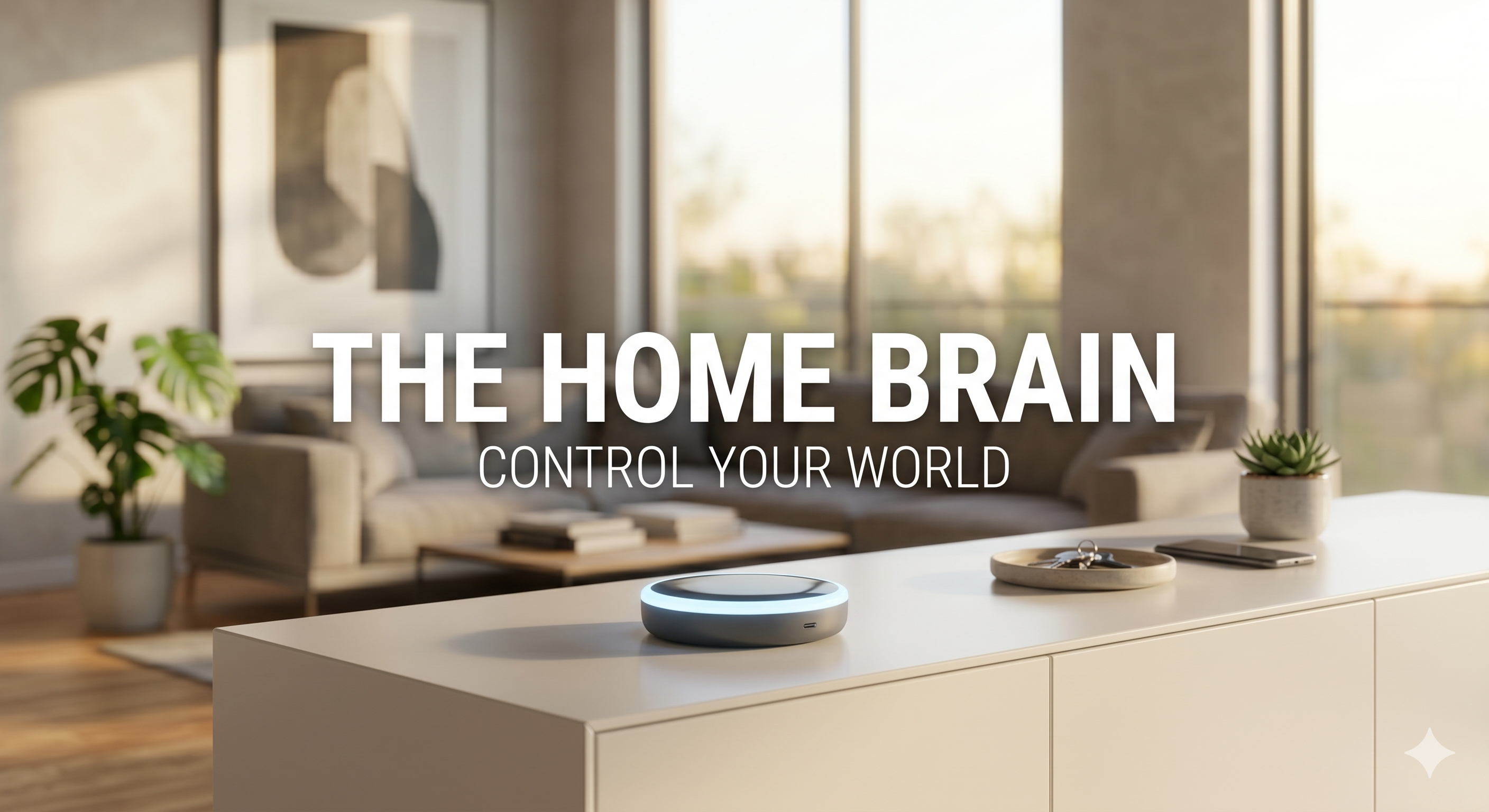
At its core, a smart home hub is a hardware device that acts as the “command center” for your automation ecosystem. It speaks multiple “languages” (protocols) such as Zigbee, Z-Wave, Bluetooth, and Matter, allowing devices from different manufacturers to communicate with each other seamlessly.
Without a hub, your devices often act as independent islands. For instance, while you can automate your smart lighting through a single app, getting those lights to turn on automatically when your smart lock is triggered usually requires a central translator the hub.
Smart Home Hub: The Benefits of a Centralized Brain
1. Enhanced Reliability and Speed
Wi-Fi-based devices are convenient, but they can slow down your home network. A Smart Home Hub using Zigbee or Z-Wave creates its own mesh network, offloading the strain from your router. This ensures that when you ask your house to “turn off all lights,” it happens instantly rather than with a five-second lag.
2. Sophisticated Automations
Hubs allow for “If This, Then That” (IFTTT) scenarios that are far more complex than standard app scheduling. You can create a sequence where:
- Your smart thermostat adjusts to your preferred evening temperature.
- Your curtains close.
- Your security system arms itself.
- All of this happens with a single tap or a specific time trigger.
3. Privacy and Local Control
Many modern hubs process your data locally. This means that if your internet goes down, your smart home doesn’t “die.” Your lights will still turn on, and your sensors will still trigger. As we emphasize on our About Us page, we prioritize security and user autonomy in every review we write.
Top Smart Home Hubs to Consider in 2026
Choosing the right hub depends on which “ecosystem” you feel most comfortable with. Here are our top picks, all available with fast shipping to get your home started.
1. The Powerhouse: Samsung SmartThings Station
SmartThings remains the most versatile hub for the average user. It supports almost every protocol imaginable and has one of the largest libraries of compatible devices.
- Key Feature: Built-in wireless charging pad and full Matter support.
- Check Price on Amazon: Samsung SmartThings Station
2. The Audiophile’s Choice: Apple HomePod (2nd Gen)
If you are an iPhone user, the HomePod isn’t just a speaker, it is a sophisticated “Thread Border Router” and home hub. It ensures that your security cameras and other HomeKit devices remain secure and responsive.
- Key Feature: Superior sound quality paired with elite privacy encryption.
- Check Price on Amazon: Apple HomePod
3. The Smart Display King: Amazon Echo Show 10
For those who want a visual interface in the kitchen or living room, the Echo Show 10 acts as a Zigbee hub and a brilliant screen for monitoring your front door.
- Key Feature: A rotating screen that follows you and a built-in smart hub for easy pairing.
- Check Price on Amazon: Amazon Echo Show 10
When Can You Skip the Smart Home Hub?
You might NOT need a hub if:
- You have a small setup: If you only have 3-5 devices (like a few bulbs and a plug), Wi-Fi-direct versions are perfectly fine.
- You use Matter-compatible devices: The new “Matter” standard allows many devices to talk directly to your phone or your existing smart speaker without an extra box.
- You don’t care about complex “scenes”: If you are happy using separate apps for your locks and your lights, the added cost of a hub might not be worth it.
Common Installation Pitfalls
- Placement Matters: Place your Smart Home Hub in a central location, away from large metal objects or microwaves, to ensure the best signal reach for your Zigbee devices.
- Don’t Over-Automate: Start with simple routines. Nothing is more frustrating than a house that turns off the lights while you are still reading because of a poorly timed sensor.
Investing in Your Home’s Future
A smart home hub is the difference between a collection of gadgets and a truly intelligent home. While not strictly mandatory for everyone in 2026, it provides the stability, speed, and privacy that serious enthusiasts crave.
For more technical insights on home networking standards, we recommend visiting the National Institute of Standards and Technology (NIST).
Ready to take the next step in your automation journey? Visit our homepage for more expert advice and deep dives into the world of smart living.