Top 5 Smart Locks of 2026
Disclosure: This post contains affiliate links. If you make a purchase, we may earn a commission at no extra cost to you. Read our full Disclaimer.
Top 5 Smart Locks of 2026: Comprehensive Review and Comparison
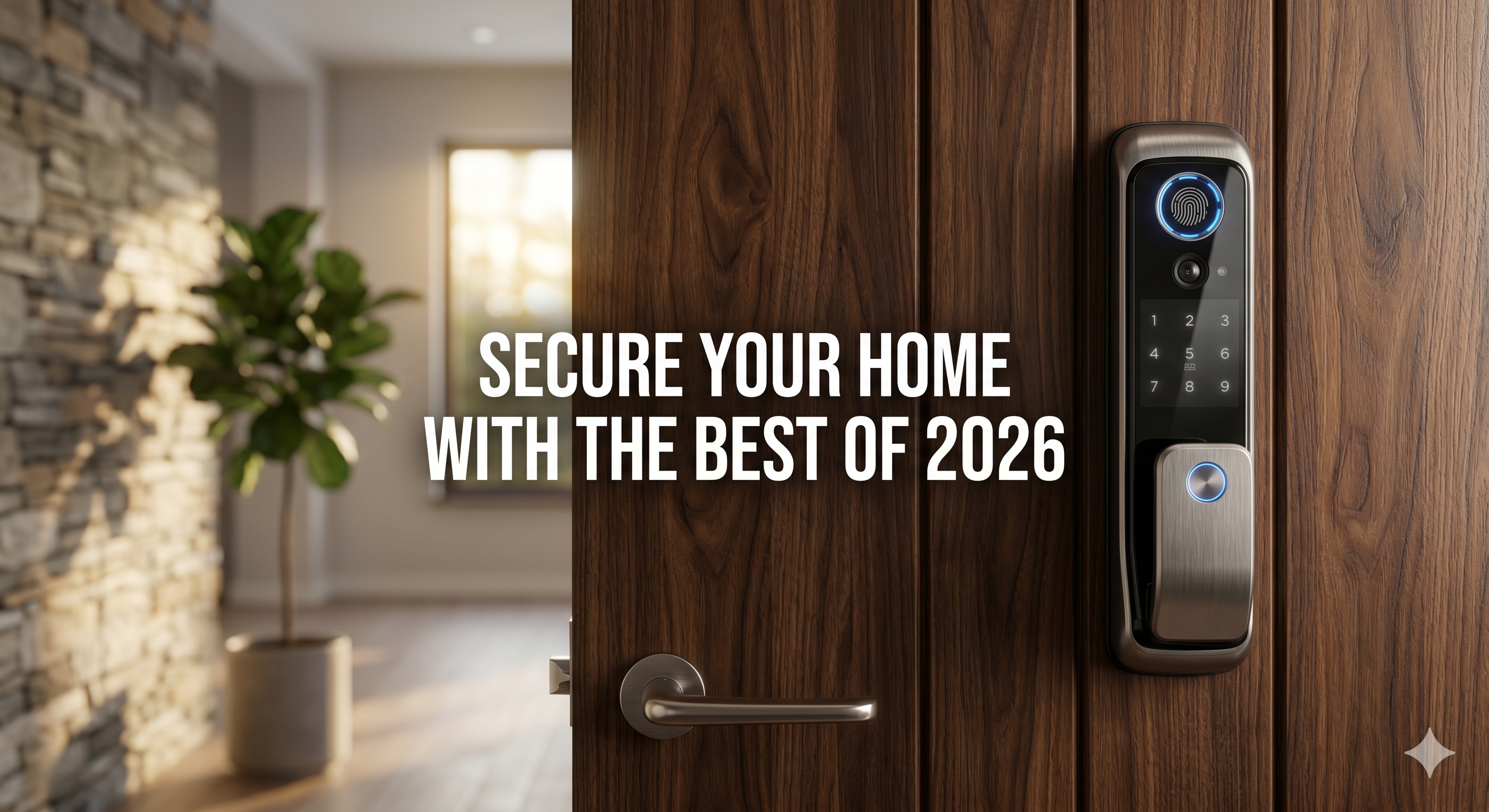
Are you still fumbling for keys every time you reach your front door? You are not alone. Beyond the daily inconvenience, physical keys pose a massive security risk—they can be copied, lost, or stolen without you ever knowing. Re-keying a house is both expensive and time-consuming. The solution lies in upgrading to the Top 5 Smart Locks of 2026. At Everglow Living, we believe these advanced devices offer more than just keyless entry; they provide a seamless integration into your modern lifestyle. Imagine unlocking your door with your fingerprint or a simple voice command, while simultaneously disarming your security system and adjusting your hallway lights.
Why You Need a Smart Lock Upgrade Today
The transition to a smart entryway is about more than gadgets; it’s about peace of mind. Key benefits include:
-
Ultimate Convenience: Never carry physical keys again or worry about where you left them.
-
Enhanced Security: Monitor access logs instantly from your smartphone to see exactly who entered and when.
-
Guest Management: Issue temporary codes for visitors, contractors, or dog walkers without handing over a physical key.
-
Integration: These locks sync perfectly with ecosystems like Amazon Alexa and Google Assistant for a truly automated home.
1. The Ultimate Security Upgrade: August Wi-Fi Smart Lock
This model redefines home security with its sleek design and military-grade encryption. What makes it a standout choice in 2026 is its “retrofitting” capability.
The Everglow Perspective: Installation takes less than ten minutes because you do not even need to change your existing deadbolt hardware. This is ideal for renters or those who love their current door’s aesthetic. However, based on our experience, because it uses a direct Wi-Fi connection, you should monitor battery levels closely, as constant connectivity can drain them faster than Bluetooth-only models.
Check out the August Wi-Fi Smart Lock for a flawless and invisible security experience.
2. Biometric Brilliance: Yale Assure Lock 2
With this model, your fingerprint becomes your new key. This lock recognizes you in under a second, offering a level of speed that traditional keys can’t match.
Our Real-World Insight: It blends seamlessly with modern home aesthetics and boasts a battery life that can last up to twelve months. During our testing, we found that the Yale Assure is particularly robust for families; the ability to register multiple fingerprints ensures that even the kids can enter safely without needing a smartphone.
Consider the Yale Assure Lock 2 if you want top-tier biometric access and a premium finish.
3. The Budget-Friendly Fortress: Wyze Lock Bolt
High security does not have to break the bank. This option provides essential features like a built-in keypad and auto-lock functionality at a fraction of the typical cost.
The Value Verdict: While it lacks some of the high-end Wi-Fi integrations of its competitors, it excels in local security. Grab the Wyze Cam v3 compatible lock system today if you prioritize a functional, heavy-duty keypad over remote internet access. It offers unbeatable value for secondary doors or garage entries.
Installation and Setup: What to Expect
Setting up your new smart lock is surprisingly simple. Most models require only a standard screwdriver. First, remove your old thumbturn, then attach the new mounting plate provided in the kit. Once you secure the smart lock unit, simply follow the app instructions to calibrate the device.
Pro Tip: Always ensure your door is properly aligned. If you have to “pull” the door to lock it manually, a smart lock motor might struggle. Aligning your strike plate beforehand ensures a smooth, automated experience.
Common Mistakes to Avoid
To ensure your transition to smart security is successful, keep these points in mind:
-
Ignoring Battery Warnings: Smart locks will warn you weeks in advance. Replace batteries promptly to avoid being locked out.
-
Weak Wi-Fi Signals: If your router is far from the front door, consider a Wi-Fi extender to ensure remote features work every time.
-
Physical Backup: Always keep one physical key hidden in a secure location or with a trusted neighbor just in case of a rare electronic failure.
-
Password Management: Use strong, unique passwords for your smart home app to protect your digital “keys.”
Smart locks represent the future of home security, combining unparalleled convenience with robust protection. Upgrade your home security today and explore more options on our homepage. For more detailed security statistics, you can also visit the National Institute of Standards and Technology.
Ready to make the switch? Check out our top recommendation right now.