Why a Mesh Wi-Fi System is Essential for Smart Homes
Disclosure: This post contains affiliate links. If you make a purchase, we may earn a commission at no extra cost to you. Read our full Disclaimer.
Why a Mesh Wi-Fi System is Essential for Smart Homes
Do your smart lights lag when you ask them to turn on? Does your security camera disconnect when you check the live feed? Dropped signals and slow speeds are incredibly frustrating. As you add more devices to your home, a traditional router often struggles to handle the load. A mesh Wi-Fi system is the ultimate foundation for a reliable, fast, and secure smart home.
Every smart plug, thermostat, and camera relies on a strong internet connection. Without a robust network, even the best gadgets fail to perform. Upgrading to a mesh network eliminates dead zones and ensures your entire house stays connected effortlessly.
What is a Mesh Wi-Fi System?
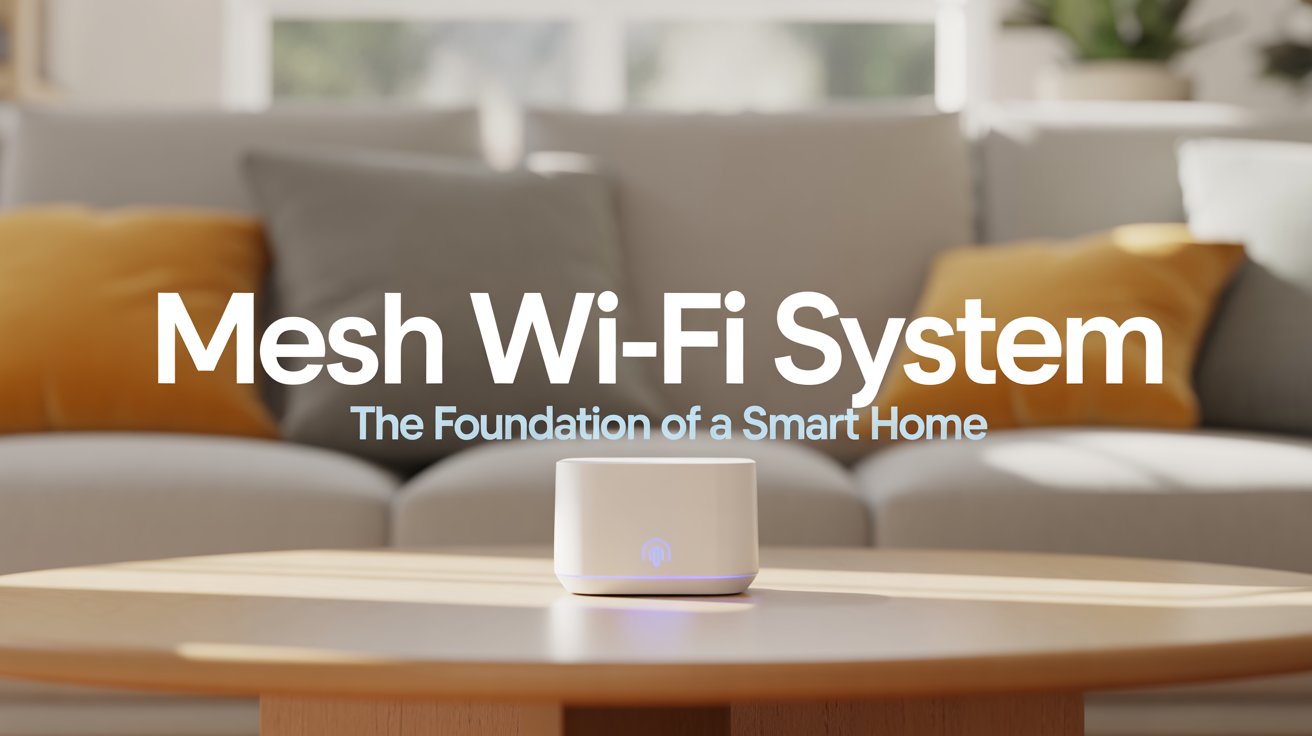
A mesh Wi-Fi system uses multiple nodes placed around your house to create a single, seamless wireless network. You can read more about how mesh networks work on PCMag. Unlike traditional range extenders that create separate networks, a mesh setup allows devices to connect to the strongest signal automatically. You roam from room to room without dropping your connection.
The main router connects directly to your modem, while the additional nodes act as satellites. They communicate with each other to blanket your entire home in fast, reliable Wi-Fi, no matter how many walls stand in the way.
Top Mesh Wi-Fi System Options for Your Home
Building a stable network requires the right hardware. Here are the most essential systems to consider for your smart home setup.
High-Performance Mesh Routers
A fast router handles dozens of devices simultaneously. This is perfect for smart home entertainment systems. The Eero Pro 6 Mesh Wi-Fi Router delivers incredible speeds and supports smart home protocols like Zigbee natively. It connects up to 75 devices, ensuring your network never slows down.
Budget-Friendly Mesh Options
You do not need to spend a fortune to eliminate dead spots. The TP-Link Deco AX3000 WiFi 6 Mesh System covers thousands of square feet reliably. It provides enough bandwidth for 4K streaming and smart home automation.
Power Management for Networks
Keeping your network online during a power outage is crucial for security systems. A backup battery like the APC UPS Battery Backup ensures your mesh nodes stay powered when the grid fails, keeping your cameras and alarms active.
Looking to upgrade your network security too? Read our related guide on smart home security devices for modern protection.
Quick Tips for Placing Mesh Wi-Fi System Nodes
Installing a mesh network is surprisingly simple. Use these strategies to maximize your signal strength across your entire property.
- Centralize the main router: Place the primary node as close to the center of your home as possible for the best initial broadcast.
- Avoid dense obstacles: Keep satellites away from thick brick walls, large metal appliances, and fish tanks to prevent signal interference.
- Elevate the hardware: Positioning nodes on high shelves or tables improves their reach significantly compared to placing them on the floor.
- Keep them within range: Ensure each node is close enough to communicate with the others seamlessly for uninterrupted coverage.
Mistakes to Avoid
Even the best mesh system can underperform if improperly installed. Keep these common mistakes in mind when setting up your new network.
- Using too many nodes: Placing satellites too close together causes devices to switch constantly between them, which leads to slower speeds and instability.
- Hiding nodes in cabinets: Tucking a router inside an entertainment center or closet severely restricts the Wi-Fi signal range.
- Forgetting firmware updates: Neglecting to update the network software leaves your system vulnerable to security flaws and performance issues.
Mesh Wi-Fi System vs. Traditional Extenders
How does a mesh setup compare to standard Wi-Fi range extenders? Let us look at a quick comparison to see the benefits.
- Network Names: Extenders force you to connect to a different network name (SSID) as you walk around. A mesh system uses one single name everywhere.
- Speed Loss: Traditional extenders halve your bandwidth to re-broadcast the signal. Mesh nodes maintain high speeds across the entire coverage area.
- Management: Extenders require separate configurations. Mesh networks offer simple, centralized management through an easy-to-use smartphone app.
Final Recommendation
Upgrading to a mesh Wi-Fi system is the most impactful improvement you can make to your smart home. By eliminating dead zones and providing reliable bandwidth for all your devices, you ensure everything runs smoothly. Evaluate your home’s square footage, identify the rooms with the weakest signal, and invest in a mesh setup that covers your entire property seamlessly.
Transform your internet experience today and give your smart home the robust foundation it desperately needs.