Smart Home Office Setup for Maximum Productivity
Disclosure: This post contains affiliate links. If you make a purchase, we may earn a commission at no extra cost to you. Read our full Disclaimer.
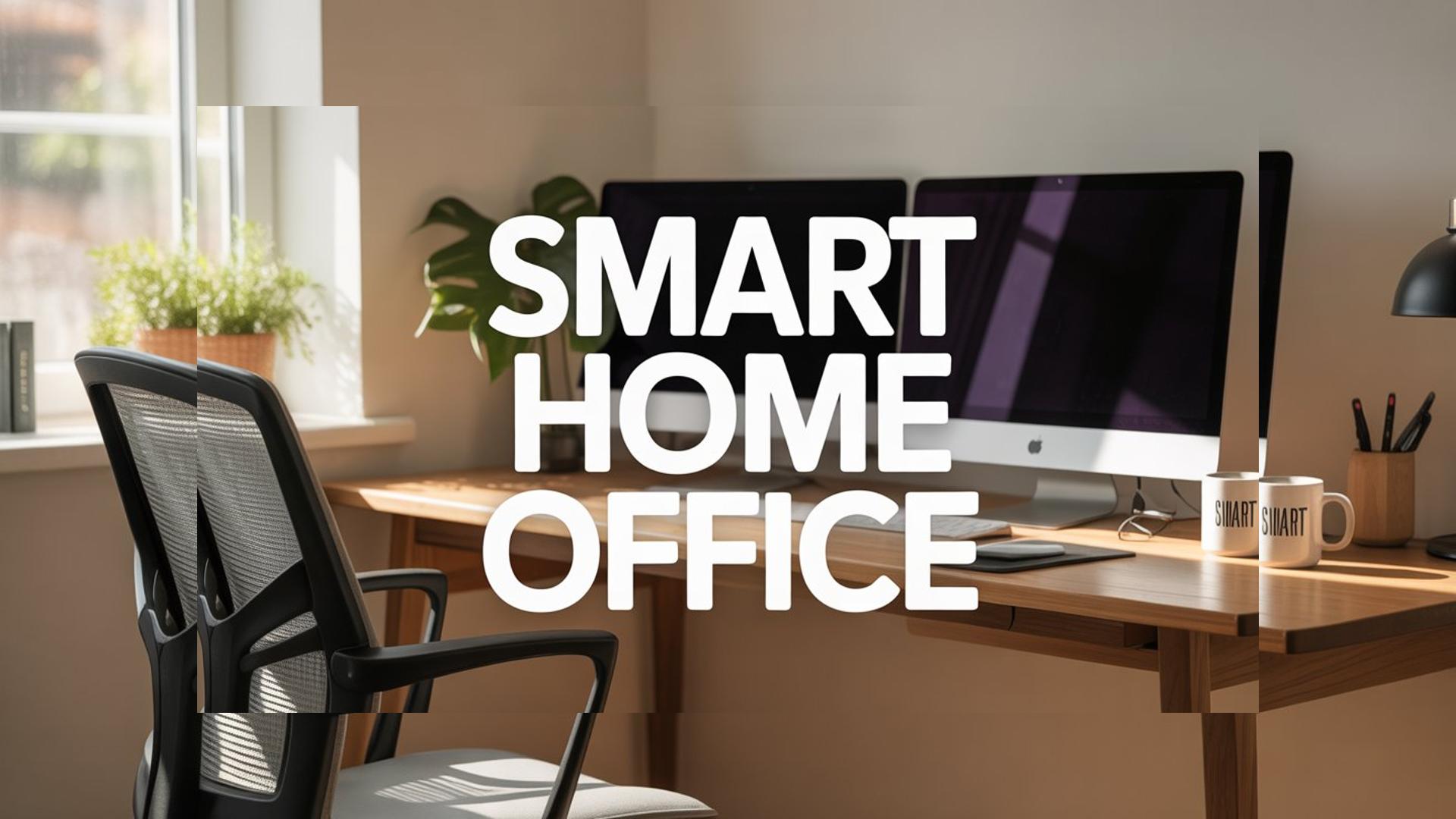
Working from home has completely reshaped the way we approach our daily routines. While the flexibility is undeniably fantastic, staying focused in an environment filled with household distractions can be a massive challenge. Creating a dedicated workspace is no longer just about buying a desk and a chair, especially when you understand what a smart home is and how it works. Today, building a smart home office setup is the secret to unlocking maximum productivity, maintaining your energy levels, and ensuring you feel comfortable throughout your entire workday.
When your environment is optimized to support your workflow, you spend less time adjusting your surroundings and more time tackling your actual tasks. From intelligent lighting that reduces eye strain to gadgets that keep your coffee at the perfect temperature, the right technology can transform a standard spare room into a high-performance workspace. Let us explore the essential upgrades you need to build the ultimate remote working environment.
Smart Home Office Setup with Intelligent Lighting
Lighting is arguably the most critical element of any productive workspace. Poor lighting can cause severe eye fatigue, lead to headaches, and make you look completely washed out during important video meetings. Traditional overhead lights are rarely sufficient, which is why upgrading to smart lighting solutions is a game-changer for remote professionals.
For those who spend hours on Zoom or Microsoft Teams, having adjustable and professional-grade illumination is a necessity. The Elgato Key Light Air is an outstanding addition to any modern desk. It provides soft, diffused lighting that flatters your appearance on camera while being fully controllable via an app on your computer or smartphone. You can easily adjust the color temperature from warm to cool white, ensuring your lighting perfectly matches the time of day and keeps your energy levels stable.
In addition to task lighting, consider adding smart ambient lights behind your monitor. According to the American Academy of Ophthalmology, reducing the contrast between your bright screen and a dark room can significantly minimize digital eye strain.
Smart Home Office Setup: Ergonomics and Control Devices
No smart workspace is complete without the right tools to navigate your digital workflow. The hardware you touch every single day has a direct impact on your physical comfort and your operational speed. A standard mouse might get the job done, but an ergonomic smart mouse is designed to prevent wrist pain and drastically speed up your daily tasks.
The Logitech MX Master 3S Wireless Mouse is widely considered the ultimate productivity tool for remote workers. Its ergonomic design perfectly supports your hand, and the ultra-quiet clicks ensure you do not distract yourself or others during calls. What makes it truly “smart” is the software integration. You can customize every button for specific applications, meaning a click can do one thing in your web browser and something completely different in your editing software. This level of customization shaves seconds off repetitive actions, saving you hours of time over the course of a month.
Pairing a high-end mouse with a responsive, comfortable mechanical or ergonomic keyboard creates a tactile experience that makes typing feel effortless. When your hands are comfortable, your brain can focus entirely on the creative and analytical work that truly matters.
Smart Home Office Setup for Climate and Comfort
Physical comfort goes beyond just your desk and chair. The temperature and air quality in your home office play a massive role in your ability to concentrate. If a room is too hot, you will feel sluggish and sleepy. If it is too cold, you will be distracted and tense. Integrating climate control into your home office setup ensures you never have to break your flow to adjust a thermostat.
Using a smart thermostat allows you to set specific schedules for your working hours. You can program the system to cool down your office just before you start your day and adjust automatically when you finish.
Beyond room temperature, personal comfort during long work sessions often comes down to the little things. How many times have you made a cup of coffee, got distracted by an urgent email, and returned to find it completely cold? The Ember Temperature Control Smart Mug 2 solves this exact problem. It keeps your beverage at your exact preferred temperature for hours, ensuring every sip is perfectly warm. It is a small luxury, but it is one of those modern gadgets that instantly boosts your mood and keeps you grounded at your desk during intense work sprints.
Eliminating Distractions with Audio Upgrades
Even if you have the perfect lighting, an ergonomic desk, and a warm cup of coffee, background noise can ruin your focus in an instant. Whether it is traffic outside, neighbors, or family members in the next room, managing your acoustic environment is vital for maintaining deep work states, a concept heavily studied in modern organizational psychology.
Investing in high-quality active noise-canceling headphones is the most direct way to isolate yourself from a noisy household. However, if you prefer not to wear headphones all day, integrating a smart speaker or a dedicated sound machine into your office can work wonders. Playing continuous white noise, brown noise, or instrumental focus playlists can mask disruptive sounds and signal to your brain that it is time to perform.
By combining intelligent lighting, ergonomic hardware, personalized climate control, and effective noise management, you create an environment that actively works with you rather than against you. A proper smart home office setup is an investment in your career, your physical health, and your daily peace of mind. As you upgrade these elements one by one, you will quickly notice your days becoming smoother, your work becoming faster, and your remote lifestyle becoming significantly more enjoyable.